
How to Use WeChat Pay (Weixin Pay) in China - 3 Simple Steps
How to Use WeChat Pay (Weixin Pay) in China - 3 Simple Steps Step-By-Step instruction on where and when can you use WeChat Pay (Weixin Pay) and how to set up your own account, and many useful tips. Set up WeChat Pay - Preparation Get ready
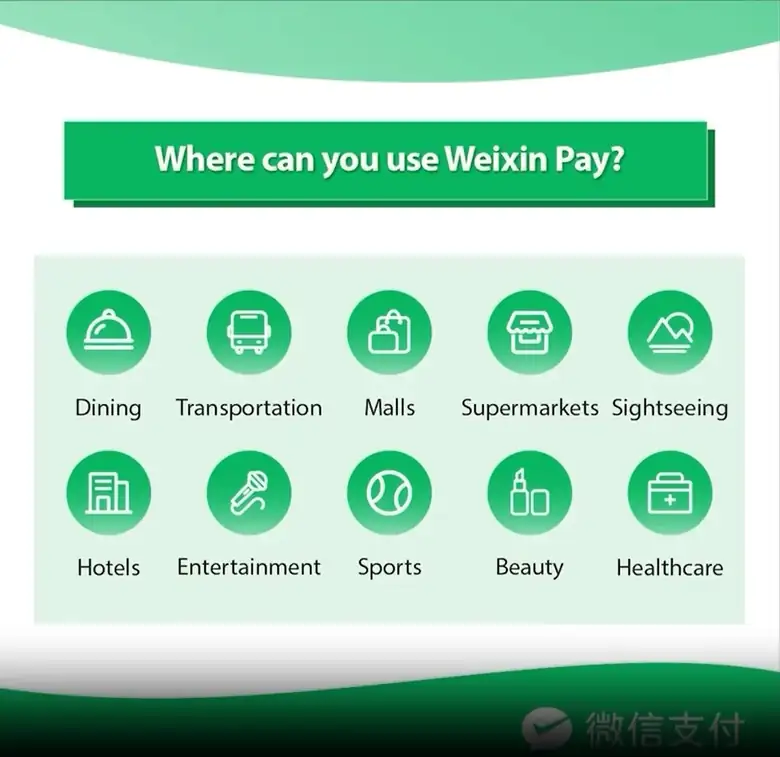
How to Use WeChat Pay (Weixin Pay) in China - 3 Simple Steps
Step-By-Step instruction on where and when can you use WeChat Pay (Weixin Pay) and how to set up your own account, and many useful tips.
Set up WeChat Pay - Preparation
Get ready with your international bank cards and required identity documents, usually your passport. Currently, Weixin Pay supports cards of Visa, Discover Global Network (including Dinner’s Club), JCB, MasterCard, etc.
Set up WeChat Pay - Step 1
Download latest version of WeChat from app stores, or upgrade WeChat to latest version if you have already installed. Open the WeChat app and register your account with your phone number (need to use your phone to receive verification code).
Set up WeChat Pay - Step 2
Tap “Me” button in the bottom of your WeChat and access into “Service”, then “Wallet”. If you cannot find above option, you can follow clicks “M – Setting – General – Tools – Weixin Pay - Enable” or tap ”+” on the top corner of WeChat, then scan the following QR code to enable Weixin Pay.
Set up WeChat Pay - Step 3
In Wallet, tap “Add a Card”. Read the Weixin Pay User Service Agreement and Private Policy and tap “Agree”. Follow the steps on the screen to fill in your identity information. Tap “Next” to add your bank card. If you use passport to verify your indent, you will get a notification asking you to upload a photo or scanned copy of your passport.
Travel information can change. Check current opening hours, reservations and entry requirements before you travel.




Traveller discussion
Start the conversation with a helpful tip or a question.